After you have completed the Checklist Before Printing, you take your essay to the Copy centre (or it could be a firend, your workplace or similar place with a good laser printer).
Her are the things you should pay attention to:
I know this is not always easy, especially if your are one student in a queue, but:
(a) Check if the length of your essay (which you wrote down) matches exactly the length at the printer. You may sometimes check the monitor and scroll at the last page (if there is a clientside monitor).
Or just ask the operator how many pages the document has.
If there are more pages than what you wrote doen, there’s setting problem. Maybe the copy center printer is set on the infamous Letter format?
Ask for a trial print of the title page (and any other pages you used special fonts).
If the Copy centre has a monitor you can consult, check the title page on it.
Compare this page with the photo you took of it beforehand. Do the fonts displayed look the same?
If they don’t, something went wrong with your conversion to PDF. Solution► redo the conversion, or try directly to have it printed from the DOCX.
Or the font might be an unofficial one and the Copy Centre might have some digital barrage against such pirate fonts. Solution ► find a similar looking font from a legitimate source (googlefonts.com, 1001fonts.com, or any other open-source or free license fonts).
Copy Centres tend to go for standard solutions. Thus they prefer to have the default page margins that Word comes with. That is, 1-inch (2.54 cm) all around.
In my opinion that is WAY too much. The margins I have set in the template are more logical: a wider margin where the spiral will go. A narrower margin to the right.
| Copy centre | Our Template | |
| Top margin | 2,5 | 2,75 (includes header) |
| Bottom margin | 2,5 | 2 |
| Left margin | 2,5 | 3,5 (to accommodate spiral) |
| Right margin | 2,5 | 2 |
When they see your margins do not conform, the operator will add some extra space to the 2cm margins. This will unbalance your page layout, as the added space accumulate at the bottom.
Tell the copy center guy: Keep my margins unchanged!@ Don’t add anything!
Use your best argumentative voice, as these guys will tend to snub you!
Drop it! Ignore it!
Why? Because this is a cover that only says Disertație de masterat, and nothing about your real title or theme. We, teachers hate to have theses with the same title and no why to identify the theme!
All of the information from the standard cover PLUS your Title.
Hardbound cover. These use the old reliable binding technique. The solid cover is made of faux leather. It has a good spine (cotor). The text is hand typeset, gold or silver. Very serious-looking, heavy, unbreakable…
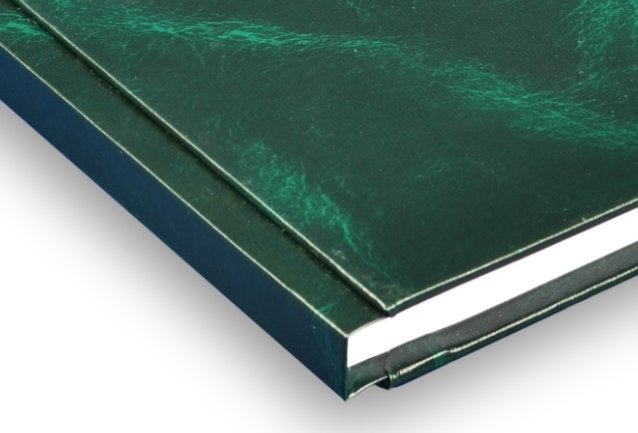
BUT….Absolutely NO. Why? They take an eternity to be made (3-4 days min). They use the most banal and unimaginative type of font (some old-timer Helvetica…). They only write Lucrare de disertație on the cover which violates my advice at #4. Apart from the funeral look, they are too heavy and break our rickety shelves (have you been to room 8B?)
Wire spiral. These fancy spirals are either made of real wire (like for some agendas) or some wire-like plastic (usually transparent).
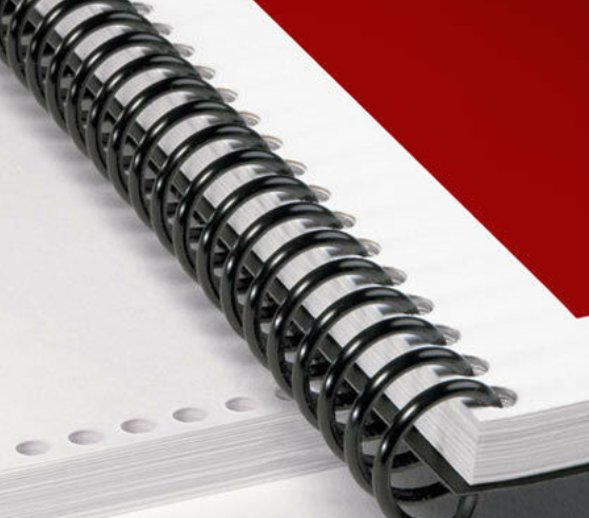
They look fine, but they have a big disadvantage: they do not constitute a real spine (cotor) and you cannot add on them the name of the thesis. So, NO.
Comb binding. This is the classic type of spiral binding. The spiral can come in various colours (usually black or white, but also red or green or blue) and when extended it looks like a large comb.
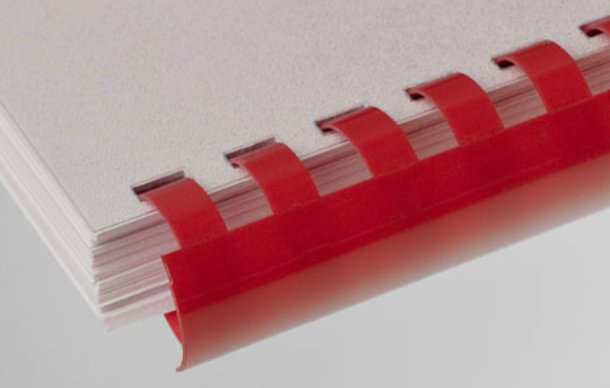
I prefer these because: (a) if you omitted a page, or wish to replace it, it’s relatively easy to do it; (b) they offer a rounded spine on which we can add stickers with your name and title. So, YES.
Paperback binding. These are covers that are made by typographies using the same technology (thermal glue) as the one used in paperback books.
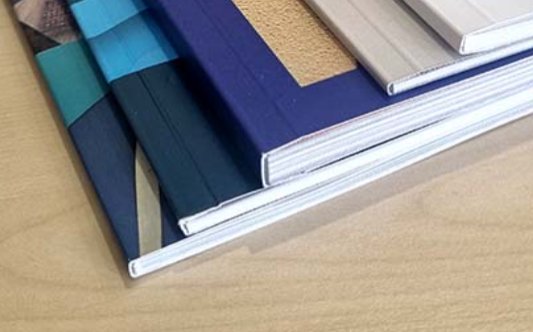
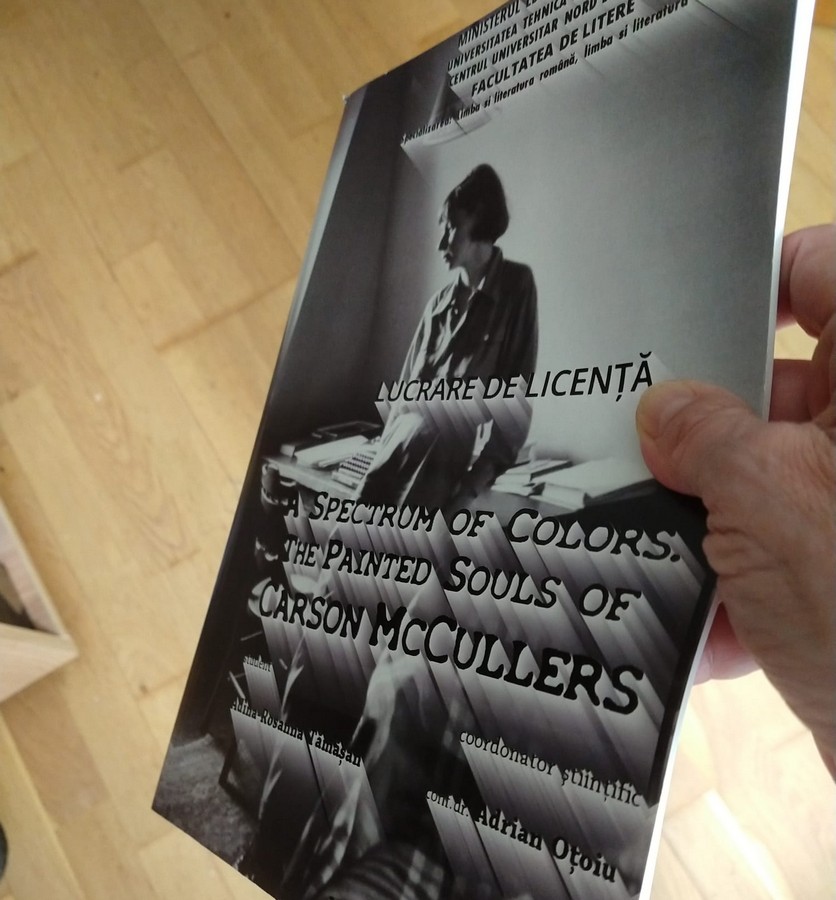
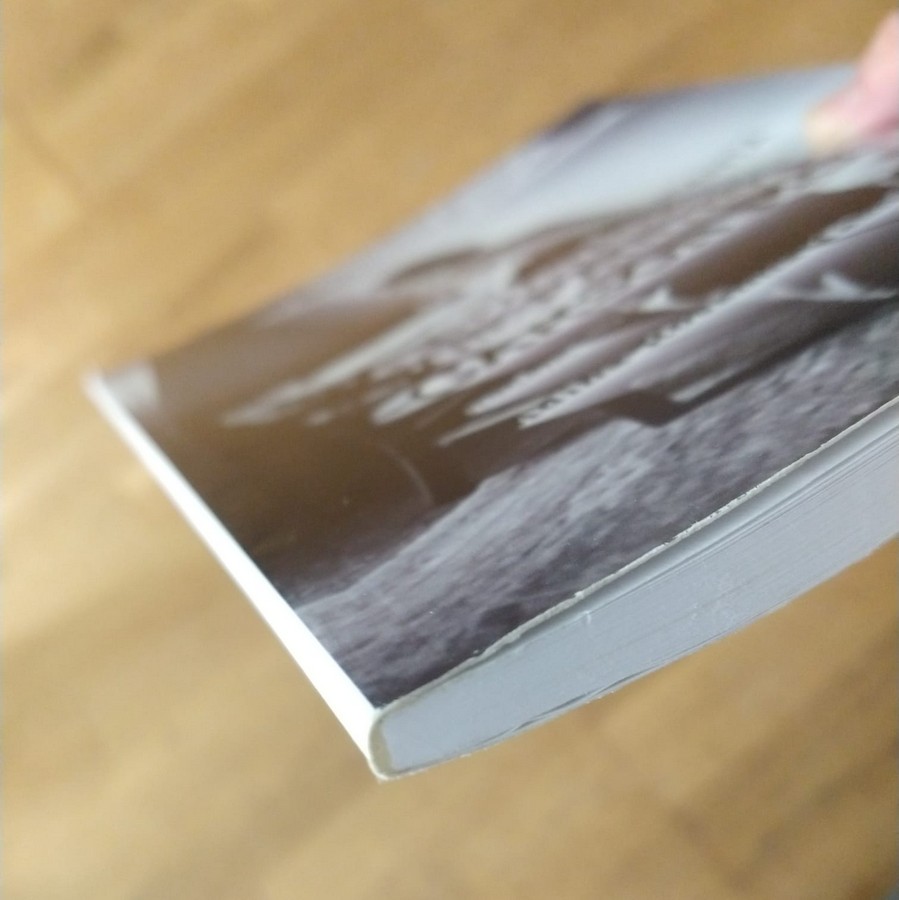
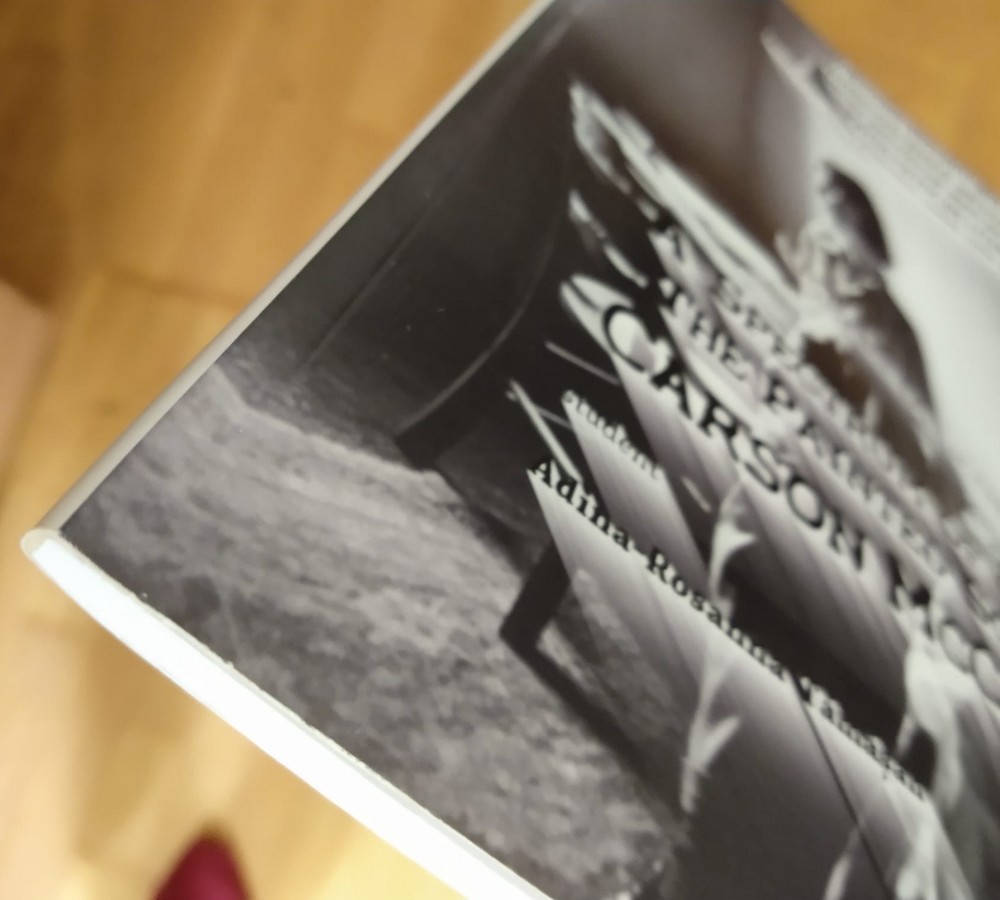
The cover is the one you designed, with an image, special fonts, the real title, a real spine, and even a backcover. These are the BEST looking. Also the most ecological, as they don’t use any plastic! Big YES (provided you can find where they make them). See below a sample:
If you plan to have a full-image cover, there is another Checklist for custom covers.