Edit Why is EPUB better than PDF
When offered a choice of formats for a book, many of you still prefer PDFs over anything else.
PDF — the good
PDF was a format meant to keep the info in the exact form as the printed material. Very useful in scientific and technical writing, or in manuals like this for an espresso machine :
So, symbols like those above, tables or graphs stay exactly as the author intended them.
PDF was meant as the format for printing. All books end up being saved in PDF before they go to the printing press.
PDF — the bad
1. PDF files cannot be resized or rescaled. If the text is too small, that’s bad for your eyes.
2. Text is two columns cannot be reset in one column. You have to “snake” through the columns.
3. You cannot underline or highlight text. You cannot write notes on the margin. This is a problem when in a seminar you are invited to discuss a certain fragment.
4. The few PDF reading programs that allow underlining require you to remember saving the file at the end of the reading session. And each save increases the size of the file. If you had 10 reading sessions, the file might be 3 or 4 time larger than the original!
5. Footnotes or endnotes are very difficult to read, as you have to move manually to the end of the book, and then find your way back.
5. Reading PDF is mainly done on laptops or tablets, and reading on TN or IPS screens in not good for your eyes.
EPUB — the good
1. The font can be rescaled and the lines of text are reflowed, just like with ant internet text (EPUB is actually a format that is just an HTML file adapted for ereaders), That is very good for your eyes.
2. You can highlight text instantly. (And you do not need to save that when you close the book). You can see all of your highlights in one place, one after the other. Very good for your seminars, when you can just scroll through your favourite passages.
3. You can write notes or comments next to the text. Then you may view all of your notes in one place, one after the other.
4. If you read a book with footnotes and endnotes, clicking on their index number will open a pop-up window on top of your current page.
5. EPUB books can be bought online from bookstores (like Kobo Rakuten), often at discount prices (as low as 4 lei).
6. EPUB can be read on laptops, tablets, phones and phones. All you need is to install some free software or app. I recommend the Kobo app or many more on Google Play.
- For a full list of apps and software and screenshots of their capabilities see my page Guide tot he formats.
7. If you decide to buy an e-reader — like the Kobo Nia (527 lei on ITGalaxy, 559 at EvoMagor 99€ on Amazon Spain), or PocketBook Basic (499 lei on eMag)— you will have the advantages of:
A. Eye-friendly screen, called e-paper. The technology in that e-paper is called e-ink and it does not use illuminated pixels (like all the other screens) but tiny capsules with physical ink, as explained in this short video:
https://www.youtube-nocookie.com/embed/Oqu1–AzM7U?feature=oembed&rel=0
B. The matte screen can be used in full sunlight, or with a nightstand lamp, as you would with a real book. You do not get that faded washed-out screen, nor reflexes. You can read on your terrace, in the park or on the beach.
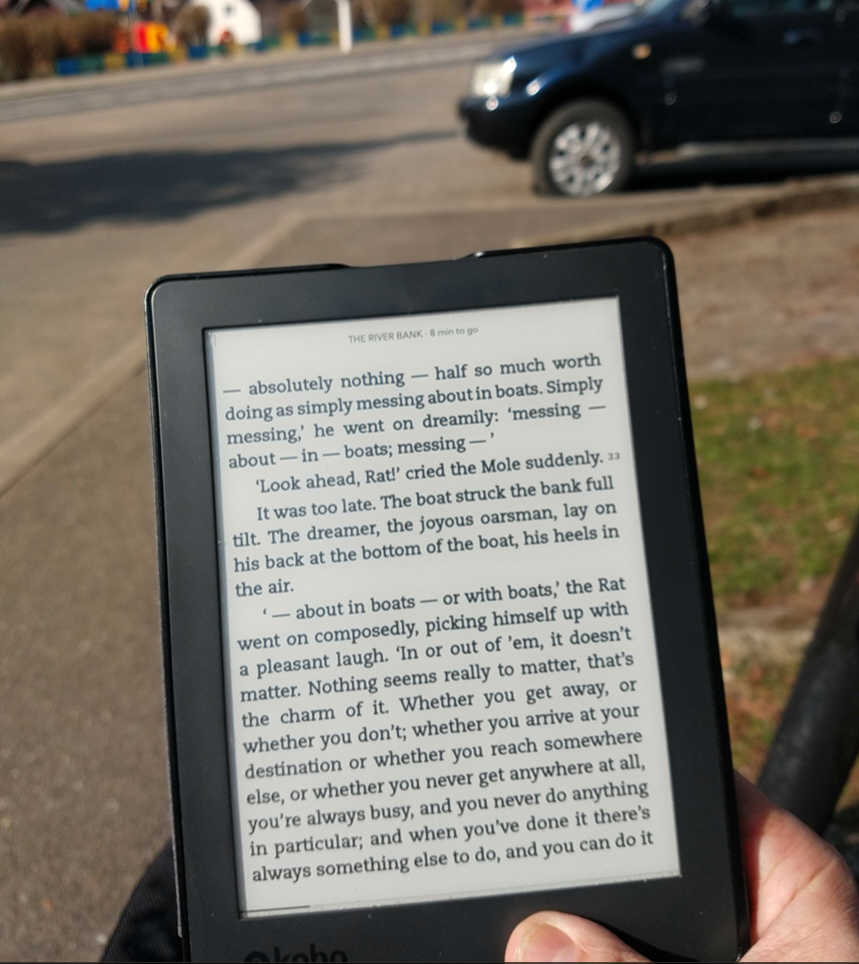
Note how the screen is matte and has perfect contrast in sunlight.
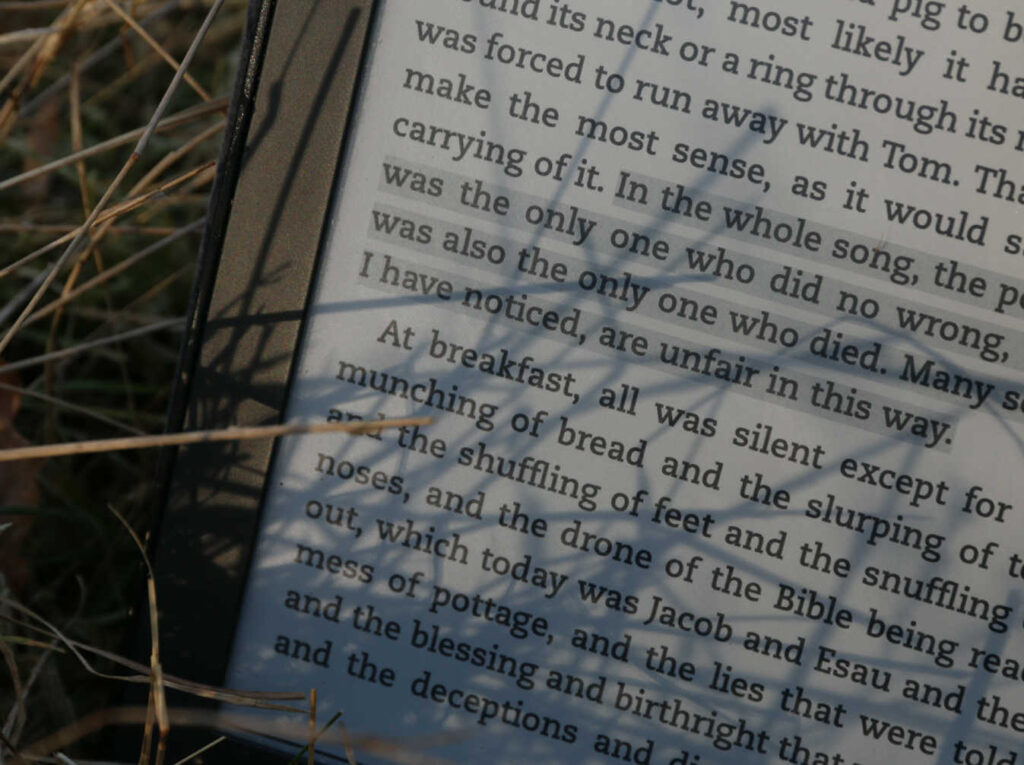
Reading in the grass. Grass blades shadows on the e-paper as if on a real book.
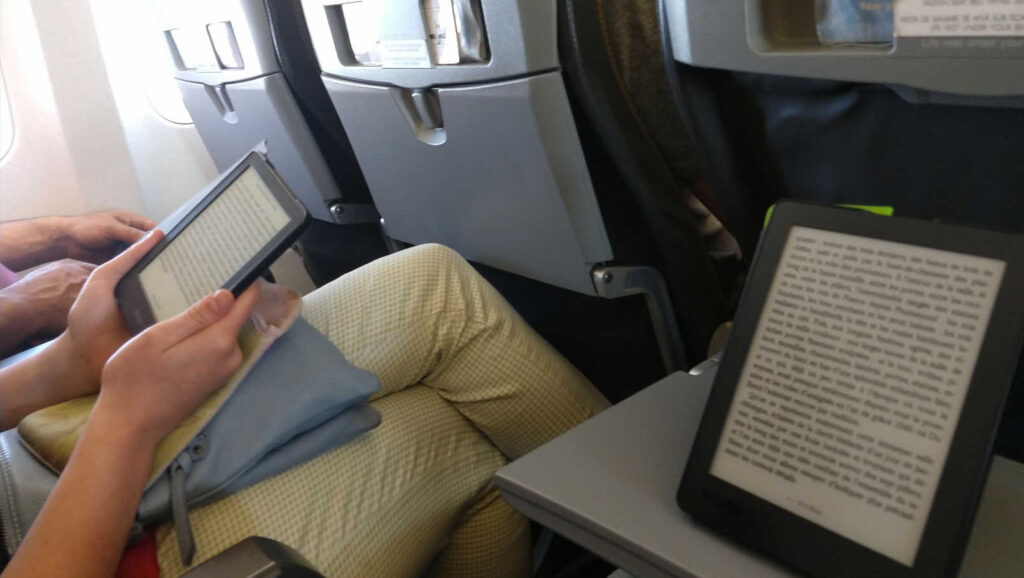
The small size of ereaders make them ideal when you travel. Here on a flight to Edinburgh.
C. Refresh happens on e-paper only when you turn the page. As you read one page, the display is static, which means there is no flicker, no strain on the eye.
C. An e-reader does not use electricity when the page is static. It only needs electricity when you turn the page. This leads to incredible low power consumption. If you use it outside, or with a lamp, you battery may last 3 to 4 weeks!
D. If you are worried about night reading, most modern e-readers have a built-in light. That is a front light, and not a back light like the one in your laptop or phone, and it is friendlt with your eyes.
E. Some ereaders have a so-called “comfort light” which is the possibility to make the light more yellow or orange, in order to prevent the insomnia induced by the blue dominant of laptop or TV screens.
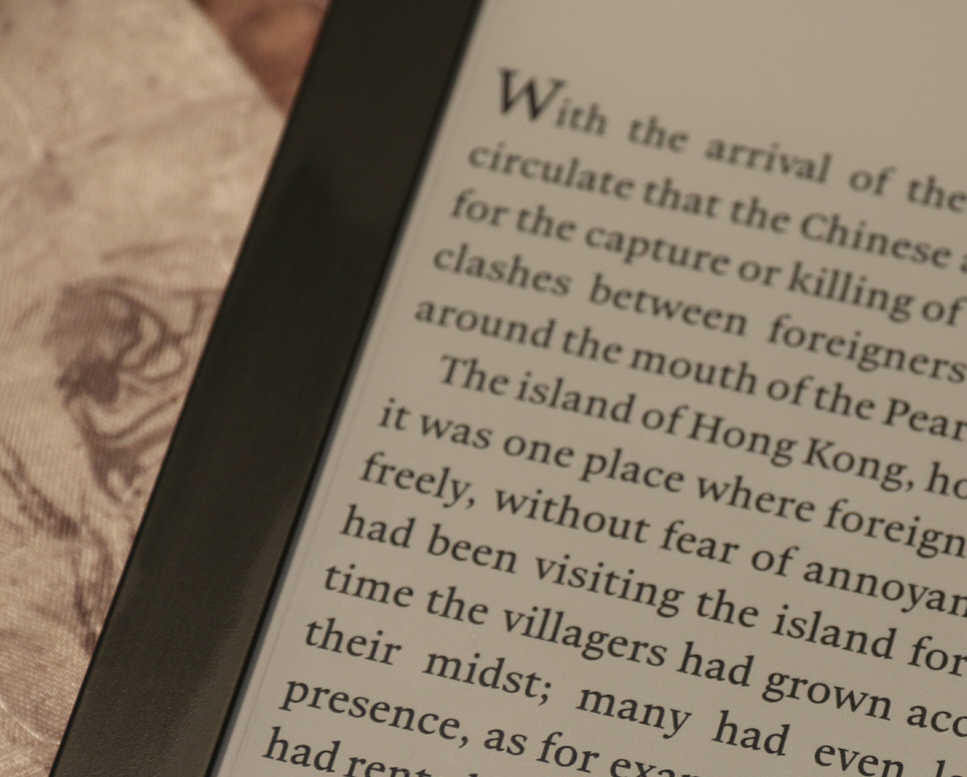
Yellow-orange light makes reading a pleasure at night.
F. All ereaders have a built-in dictionary, that opens up as soon as you touch any word. The dictionary on the Kobo is amazing, as it’s the Oxford Dictionary, with a huge number of words (including old English or exotic imported words), plus etymology, prounciation.
E. You can also install free dictionaries for other languages, like French, German. Kobo even has an English-Romanian dictionary.
G. Google searches and Wikipedia are also integrated in the app (and they go via WiFi).
5. Some e-readers have an integration with social media, which means that you can post a quotation directly on Facebook.
8. Most e-reading apps will keep all your books in one place (called a Library) where you can sort, search and preview them quickly.
PDF — the bad
1. The screen is only black-and-white. So if you plan to read manga or comic books, the colour is gone. But hey, most beeks we read have just black text on white paper, right!
2. The screen refresh is slower that that of your smartphone. You can see this when you type text (like when you write a comment, or run a search). But again, you don’t really need 60 fps when you read a book!
3. You have no sound. No video capabilities. There’s an internet browser buts its kinda basic. But remember this is a one-purpose device, made to guarantee you an immersive reading experience.
So If you really need music in your headphones, just use your smartphone!
Conclusion
If you really wish to read and be focused on that reading, if you care about your eyes and do not wish to become like these…
or
or
…then the EPUB format beats PDF hands down, and the eReader beats your phone or laptop big time!
If you don’t wish to buy a dedicated ereader, then go for The best ebook reader app!
It works on phones (Andoid or IiPhones), tablets (and iPads), on laptops running windows of Mac, as well as directly on any browser with no download needed.